For over two centuries the green chalkboard was the very symbol of the classroom: robust, inexpensive and always ready to use, with no power or network required. Since the 1990s the interactive whiteboard, and later the interactive display, has emerged as a serious alternative that does not merely swap the writing surface but touches the way teaching is done. In this article we trace, calmly, how the shift from chalkboard to smartboard came about, what the research says about its impact on learning, what a modern classroom looks like in technical terms in 2026, and why the changeover is in truth a room and infrastructure project, not a mere device purchase, and why the chalkboard nonetheless rarely disappears entirely.
From wall board to whiteboard: a short history of the school board
Wall boards as a shared writing surface are old. As early as 1658, the educator Johann Amos Comenius showed a classroom with a chalk wall board in his illustrated textbook „Orbis sensualium pictus“. The large-format chalkboard introduced in 1809 in Philadelphia, however, is regarded as the first systematically used tool in a public school. From there the board spread in the 19th century, initially in the Anglo-American world, and quickly became the standard piece of classroom furniture.
In 19th-century Prussia, whose tripartite school system shaped many European classrooms, the picture was firmly set: benches in rows, the teacher's desk in front and the large chalkboard as the central tool of teacher-centred instruction. Until well into the 1970s, pupils additionally wrote on their own slate or plastic boards, while the large board structured the course of the lesson. For almost two centuries this basic pattern remained remarkably stable.
The leap into the digital from the 1990s
The first real innovation came from the USA around 1990: the interactive whiteboard, a touch-sensitive surface onto which a projector cast the computer image. Britain drove its spread early on. As early as 2004, around a quarter of English primary school classes were working with an interactive whiteboard, and by 2007 practically every primary school in England was equipped with one. Worldwide, by 2011 an estimated one classroom in seven had such a board.
Germany followed much more slowly. A survey from early 2008 counted around 26,000 digital whiteboards in German schools, whereas at the same time Britain had some 500,000 devices, with more than 60 percent of schools equipped. The 2015 Cornelsen trend study did find interactive whiteboards in two thirds of German schools, but on average only 1.2 boards per school, that is, mostly pilot installations without comprehensive standardisation. Only with the Digitalpakt Schule from 2019 and its continuation did the rollout gain additional momentum, more on which in our article on the Digitalpakt 2.0 and the budget freeze.
Chalk or touchscreen: what really changes in teaching
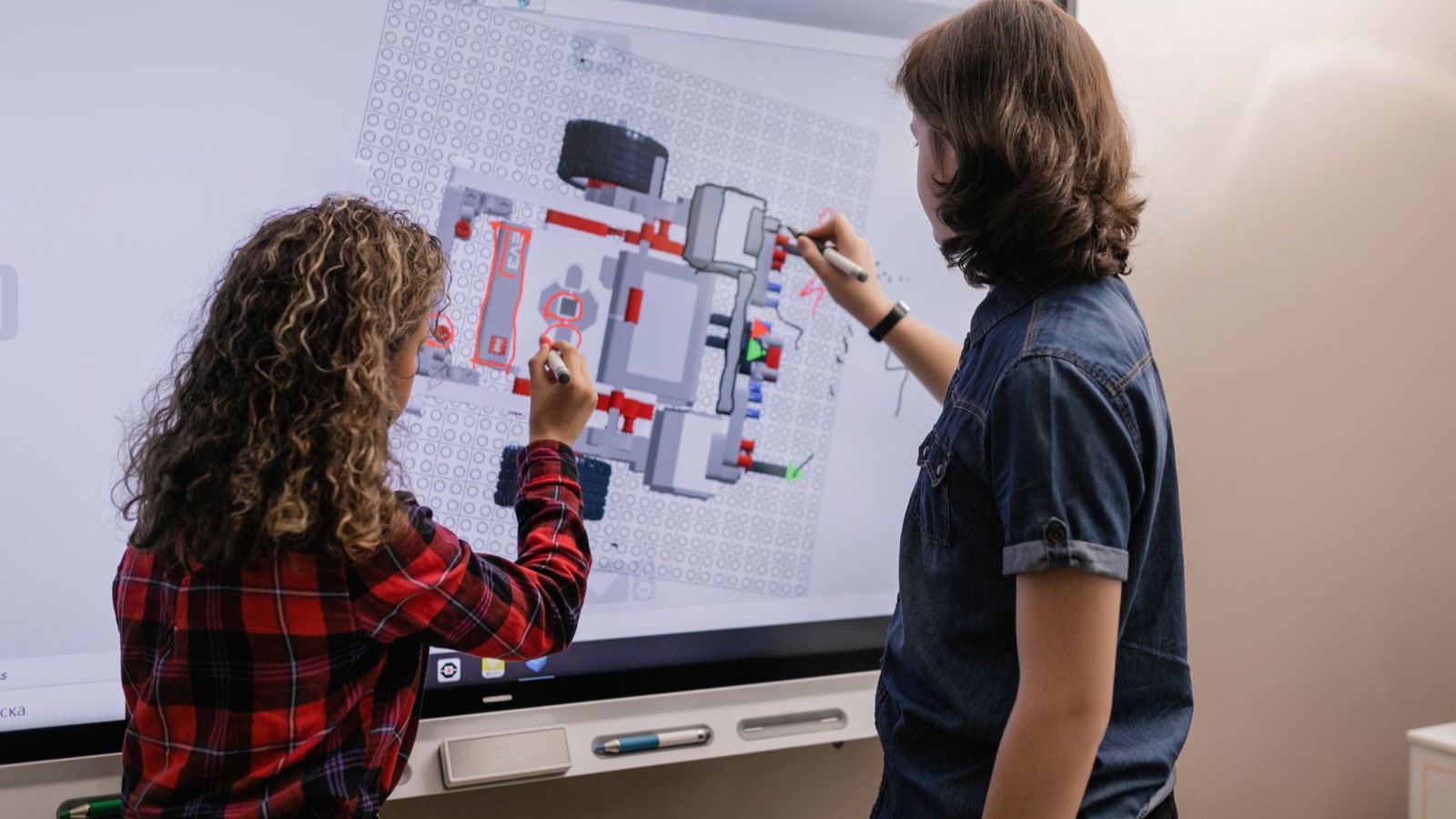
The most obvious difference lies in interaction. Through multi-touch, an interactive display allows collaborative work directly on the board surface, with several learners writing, moving and arranging at the same time. Early evaluations, for example by Smart Technologies (2004) and the British agency Becta (2006), reported better visual presentation, more varied lessons through multimedia, greater attention, more intensive participation and better retention of content.
The most robust finding of the research, however, is a nuanced one: the technology alone does not improve teaching. What matters is how it is used. A primary school study by Irion (2012) concluded that interactive whiteboards are particularly effective for learning when pupils themselves actively work and discuss at the board, far less so with pure frontal presentation. Swan and colleagues (2010) examined 14 schools with over 3,000 learners and found performance gains in mathematics and German above all with frequent and varied interactive use. Where the board served merely as a projection surface, no notable effects appeared.
These findings align with larger meta-analyses, which on the whole report rather moderate effects. More than that: a digital board can even reinforce teacher-centred instruction if it merely replaces the chalkboard as a display. The pedagogical added value arises not from the device but from its didactically reflective use, from activating tasks, collaborative phases and well-made, comprehensible board layouts. Evaluations confirm that lessons become more varied, connections are easier to explain and motivation rises, but only under this condition.
A point in favour of inclusion and accessibility
One argument for large displays is better accessibility. The larger, brighter surface improves legibility right to the back row. Added to this are alternative input paths via styluses or assistive tools, the option to mirror the board layout onto learners' personal devices and a generally more accessible visualisation. Manufacturers such as Promethean or integrators such as Kindermann regularly highlight these aspects. Used well, a display can thus ease participation in a way a static chalkboard cannot.
What a modern classroom looks like in technical terms in 2026
In 2026 the typical modern classroom no longer consists of a single board but of a coordinated ensemble of technology. At its centre stands an interactive flat panel display, mostly with a diagonal of 65 to 86 inches and in 4K resolution. It is frequently complemented by a pylon or board-wing system, a soundbar or additional loudspeakers, a document camera or visualiser and, where hybrid teaching takes place, a conference camera.
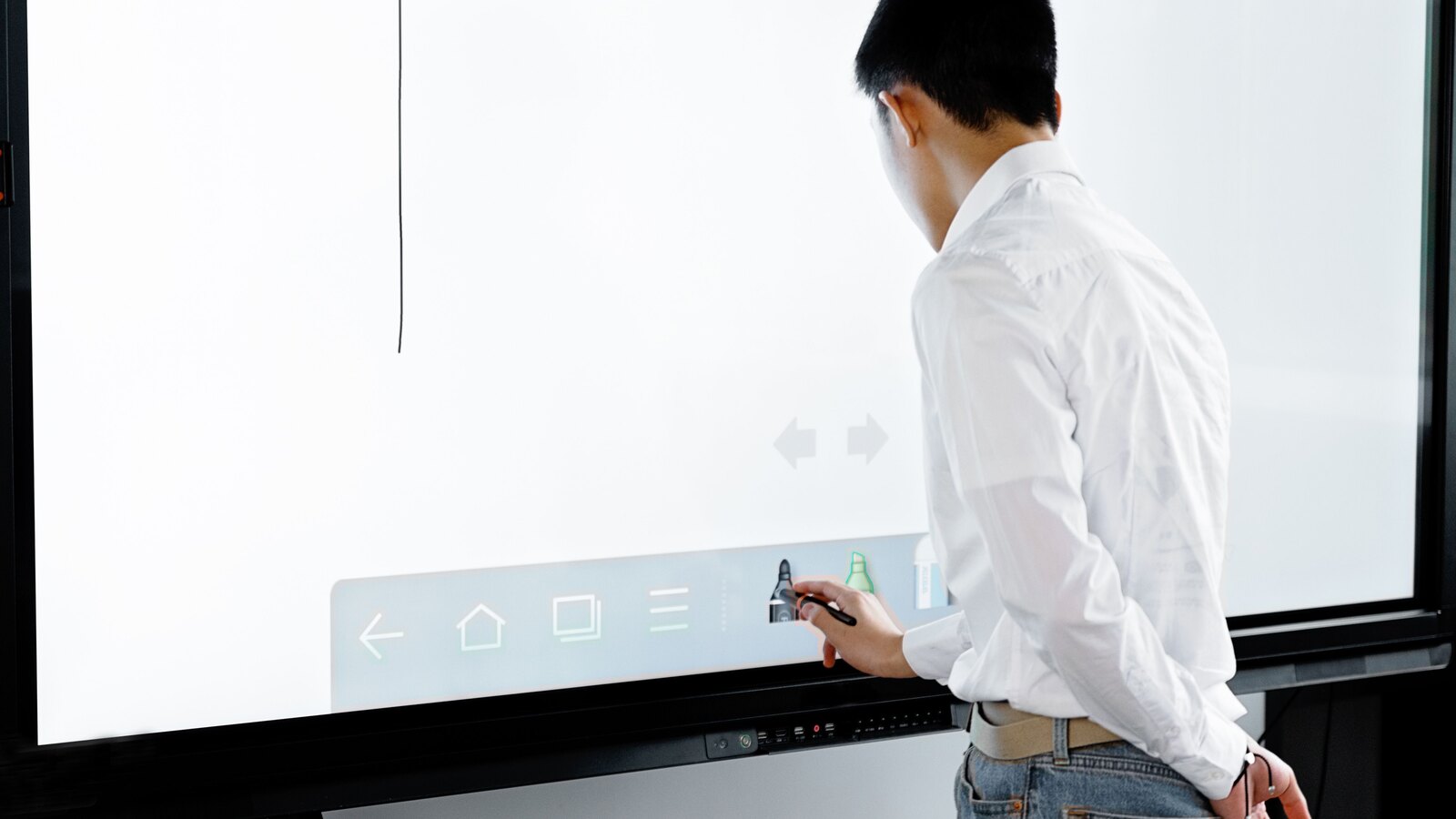
The devices themselves are designed for school use. Common specifications are an LED service life of around 50,000 hours, a robust glass surface with high scratch resistance (Mohs hardness ≥ 7), multi-touch with 10 to 40 simultaneous touch points and an integrated Android system with whiteboard apps that allows operation even without an external computer. The display is thus screen, board and small computer in one.
Why the chalkboard rarely disappears entirely
It is notable that many school authorities deliberately opt for hybrid solutions: a display combined with classic board wings. There are good reasons for this. Chalk is well suited to quick sketches and side calculations, and an analogue wing keeps teaching workable when power or network fail. Add to this the established routines of teaching staff. In practice the chalkboard therefore rarely disappears completely; it is more often moved or kept in service as a wing.
On the detail of how widespread the technology is, honesty is in order: robust, consistent figures for the current German installed base in 2026 are not consistently available in public. The 26,000 whiteboards mentioned for 2008 and the two thirds of schools with at least one board from 2015 serve as orientation. Internationally, market research points to high diffusion: according to Futuresource, interactive flat panel displays account for the bulk of display spending in the K-12 segment, and by 2029 around 10.2 million units are expected worldwide. Promethean reported a market share of 22.9 percent in the German K-12 market for 2022, a market that is at the same time highly competitive.
More than a device swap: the changeover is a room project
Anyone who wants to simply „hang a display on the wall“ underestimates the task. In funding reports the equipping appears as a new permanent task, because it touches on structural, electrical and network prerequisites. An interactive display weighs considerably more than a chalkboard and needs a suitable mounting: a wall bracket, height-adjustable pylons or a mobile stand. Wall and substrate must be able to bear that load.
- Wall statics and substrate: the load capacity of the wall is decisive. Where the substrate is insufficient, mobile stands or special systems are the solution, with the weight of the display planned in from the outset.
- Power supply: displays need a permanent power supply via fused sockets with residual-current protection (FI/RCD) close to the device, often also additional circuits.
- Data connection: stable use of streaming, cloud services and screen sharing requires a high-performance LAN or WLAN. In this context, municipalities report fibre connections and central servers.
- Mounting height and accessibility: height-adjustable pylons, for example electrically adjustable for wheelchair use, must be explicitly planned and belong in the requirements.
- Light and shading: modern displays are brighter than projectors, so full blackout is usually not needed. Even so, room geometry, seating arrangement and sun protection have to be rethought.
In the Digitalpakt reports, the display fit-out is therefore regularly part of comprehensive school construction and modernisation drives, not a mere swap of media. Especially in existing buildings, this is where the points lie at which rollouts later stall. How installation and commissioning in existing buildings can be secured, also with a view to hazardous substances such as asbestos, we cover separately in our article on smartboard installation in existing buildings.
From funding application to finished room: the path in 2026
The financial framework is set by Digitalpakt 2.0: 5 billion euros for the period 2025 to 2030, borne equally by the federal government and the states, with a start of measures brought forward to 1 January 2025. Yet between the funding commitment and a fully functional room lies a multi-stage process. The progress reports trace typical phases, each of which costs time in its own right.
- Media development plan and deployment concept: at the start stands a technical-pedagogical deployment concept that defines what the technology is actually needed for.
- Needs analysis and funding application: on this basis, needs are surveyed and the application is submitted.
- Structural measures: network, power and room conversion are prepared, often the most time-critical block.
- Procurement: the actual tendering and ordering of the devices follows, frequently via framework agreements.
- Implementation: installation, set-up and commissioning bring the technology into the room.
- Training and ongoing operation: training and a lasting support and maintenance process turn the technology into a functioning room.
The structural measures in particular take time: WLAN expansion, server centralisation, fibre and electrical work cannot be done overnight. Add to this planning uncertainty, material shortages, a shortage of skilled labour and lengthy procurement procedures. In practice, therefore, many months to several years pass between approval and a fully functional room. States and municipalities address this with framework agreements and central IT alliances such as media centres or school cloud associations. Managed-service models from large integrators bundle evaluation, equipment planning, implementation, commissioning and proactive operation, including device management (MDM), support and maintenance, into multi-year service contracts.
Honest limits: costs, service life and teaching staff
For all the enthusiasm about digitalisation, the limits belong honestly on the table. A chalkboard works without power or network and is thus available at any time. A digital board, by contrast, incurs ongoing costs for power, support, maintenance and replacement, and fails when there are power or network problems. The service life, too, has to be put in perspective: despite a specification of 50,000 operating hours, the practical useful life of digital boards is closer to a maximum of around ten years. They are more prone to faults and ageing, whereas chalkboards remain usable considerably longer.
The second honest point concerns people. Teaching staff have chalk routines honed over years; the changeover means a learning effort and uncertainty. Manufacturer reports openly mention that some teachers fear technical embarrassment in front of the class. Studies by the states and by Bitkom also show that equipment is often inadequate and that teaching quality depends heavily on the media concept and on training. The technology alone solves no structural problems such as teacher shortages, large classes or outdated curricula.
Finally, the total cost of ownership (TCO) should not be underestimated. On top of the purchase price come maintenance, legally mandated inspections, training, MDM licences and service contracts. Which recurring obligations apply to board systems here we examine in our article on the DGUV inspection of board systems. With tight budgets there is otherwise a risk of heterogeneous „equipment islands“ that are more expensive and more error-prone in operation than a well-thought-out, uniform set-up.
Key points at a glance
The chalkboard has shaped the German classroom since the 19th century: robust, inexpensive and ready to use without infrastructure. The smartboard has only been a serious alternative since the 1990s. Displays can make teaching more collaborative, more visual and more motivating, above all with active pupil work; with pure presentation the effect remains small. A modern classroom in 2026 is a technology room of display, audio, visualiser and network, often hybrid with board wings, and the chalkboard rarely disappears entirely. The changeover is a room and infrastructure project (wall, power, LAN/WLAN, ergonomics), not a device purchase, and it needs time, planning and reliable partners. Funding pays for the technology, but only a media concept, training, DGUV inspection and a lifecycle service turn it into a functioning room. The chalkboard remains relevant as a power-free, familiar, low-maintenance backup: the smartboard complements and extends it but does not replace it in every situation.
Checklist – converting from chalkboard to interactive display
This checklist helps you keep the most important points in view when converting a room from a chalkboard to an interactive display:
- Media concept checked (technical-pedagogical deployment concept in place)
- Wall and statics clarified (load-bearing for 65 to 86 inches or pylons/mobile stand?)
- Power and network connections planned (fused sockets with FI, LAN ports, cable ducts)
- Ergonomics and accessibility considered (mounting height, height-adjustable pylons)
- Hybrid solution with chalk factored in (wing or second board for power failure and certain methods)
- Need for audio, visualiser and camera clarified per subject and scenario
- Training programme secured (didactic use, not just operation)
- DGUV and electrical inspections planned (DGUV 202-021 and DGUV V3, qualified person)
- Lifecycle service and TCO calculated over ten years (maintenance, support, MDM, replacement, training, inspections)
Frequently asked questions about the smartboard and the chalkboard in the classroom
About the author

Kim Fabig
Managing Director | Technical Lead
FASTNET GmbH