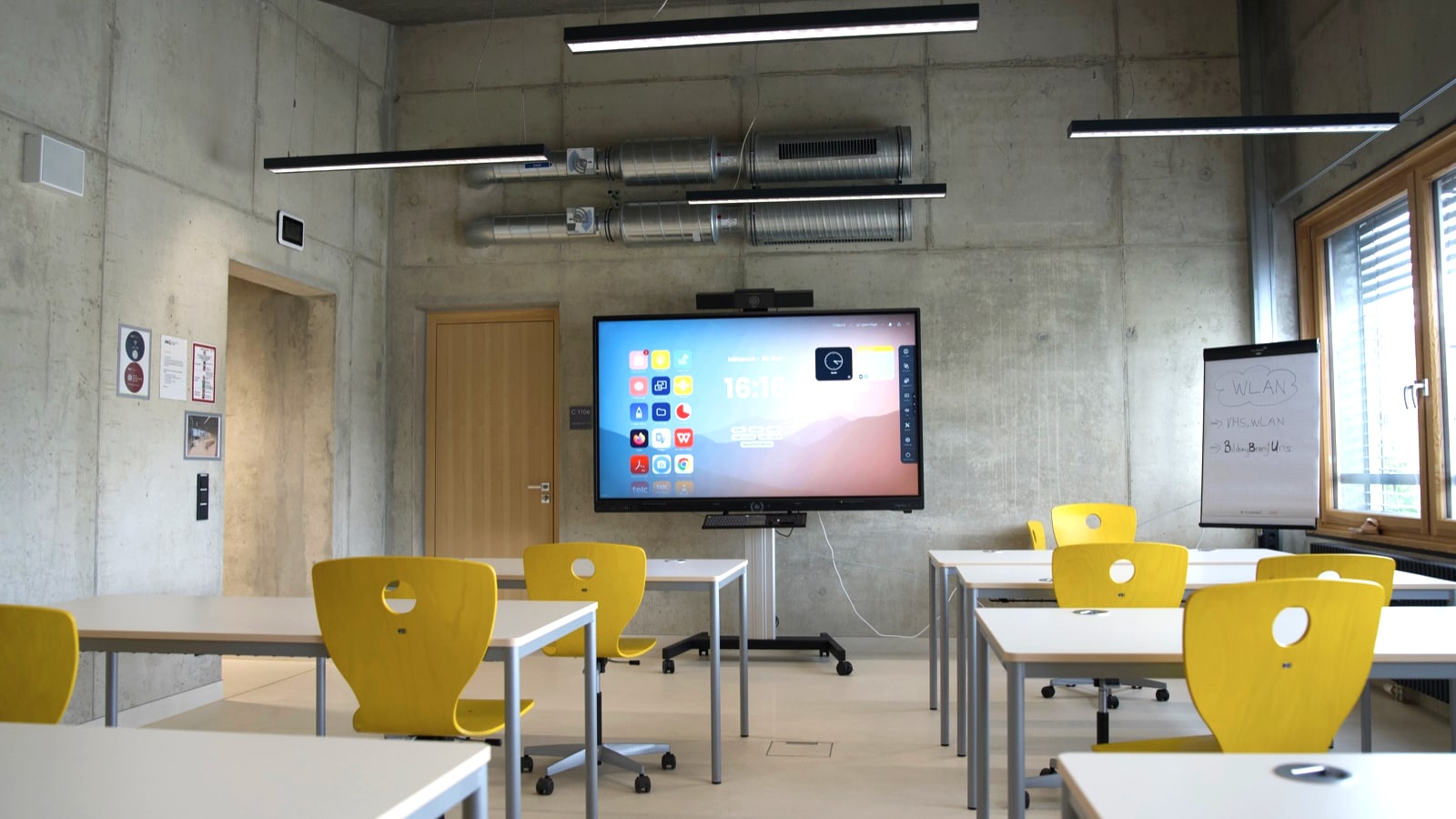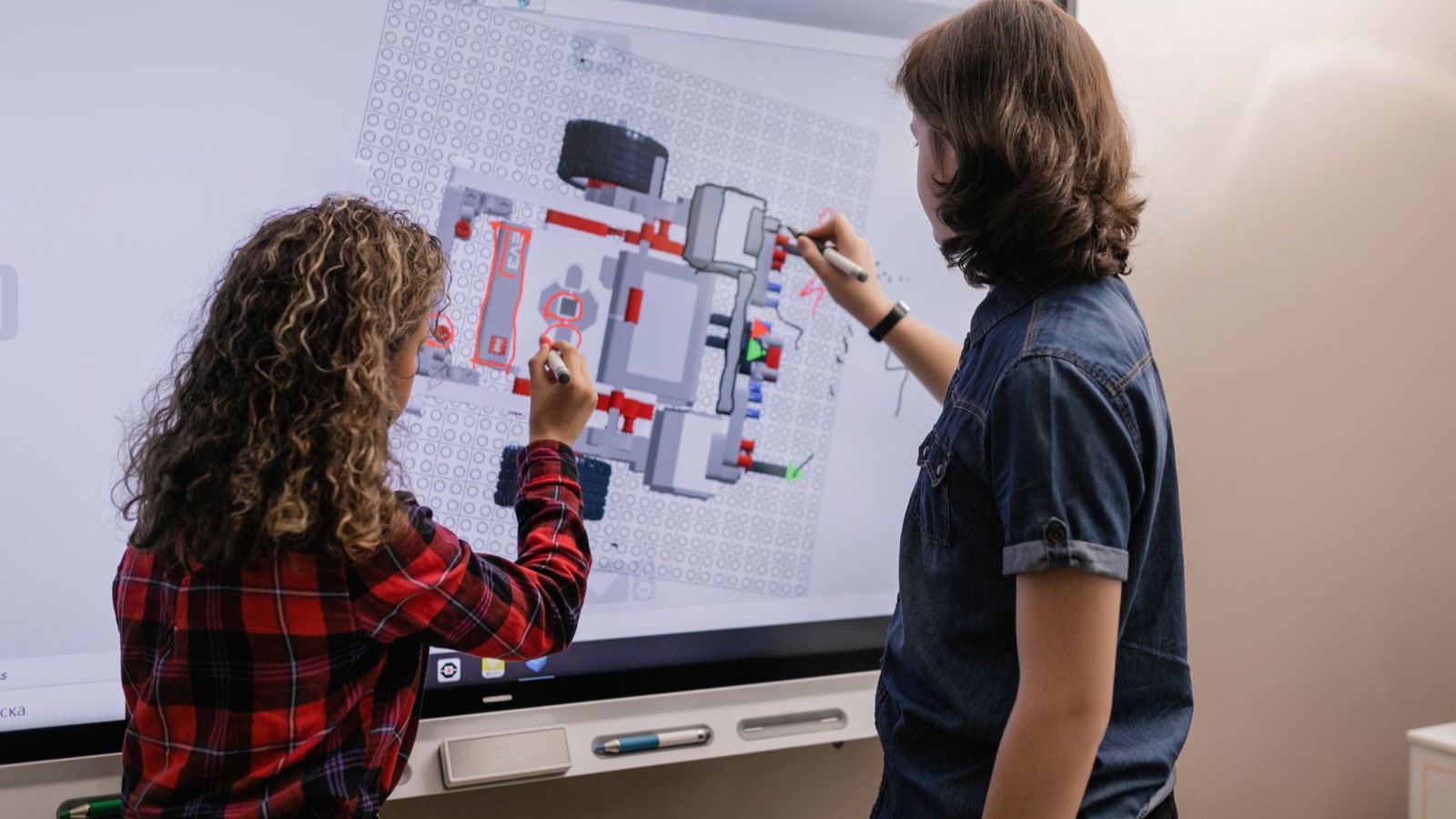

When the display freezes, the real work begins. The actual installation of an interactive display is done in a few hours: the wall mount sits, the panel runs, the first image lights up. Yet that is the smaller part of the project: installation may account for around 20 percent of the effort, while the remaining 80 percent are spread across the entire life cycle, from commissioning through EDLA, mobile device management and teacher training to mandatory inspections and maintenance. Anyone who treats displays merely as a hardware purchase underestimates precisely the part that decides security, availability and the actual cost. In this article we map out the full life cycle and show what school authorities and system houses should pay attention to.
Service life and the truth about cost: why installation is only a fifth
Interactive school displays are technically designed for a long operating life. Manufacturers often quote around 50,000 operating hours for the panels. That sounds reassuring, but it is a technical maximum, not a realistic planning horizon: at eight hours of operation a day, this would amount to almost 30 years of continuous use on paper. In practice, the sensible service life is considerably shorter. Municipal guidance, for example from the Schleswig-Holstein IT network (ITVSH), assumes a realistic service life of a maximum of around ten years, limited by technical ageing, spare-parts availability and rising pedagogical requirements.
The manufacturers' warranty periods confirm this picture. Vendors such as Promethean or Kindermann typically grant five to seven years of warranty, often with on-site service and replacement devices. This is exactly where the truth about cost lies: the one-off installation can be calculated well, operation over ten years less so. The ITVSH explicitly points out that digital boards cause a higher total cost of ownership (TCO) than classic chalkboards. Besides the purchase, the life-cycle costs also include electricity, maintenance, support, repairs and later replacement.
On top of this comes an availability aspect that is often underestimated: during lesson time, displays are effectively in constant use. If a device fails, it disrupts not just one lesson but the planning of entire teaching days. That is why the guidance recommends regulating service and support times as well as replacement deadlines in a binding way, for example a response within 24 hours and a device replacement within 96 hours, set down in SLA-like agreements.
Compared with a classic projector, displays do away with the lamp change and require less cleaning, so the pure hardware maintenance falls. But this advantage is deceptive: the greater complexity arising from the Android operating system, apps, network connectivity and MDM simply shifts the effort into ongoing IT operation and support. It is precisely there, in operation, that the real costs accumulate over the years, and that is where the work begins once installation is finished.
After installation: what really makes displays operational
An installed display is not yet an operational display. For hardware to become a reliable, secure and pedagogically usable tool, four areas have to come together: the licensing and security basis (EDLA), central management (MDM), teacher onboarding and data protection. Studies on the digital school show why this step is decisive: equipment alone is not enough. According to surveys, around 39 percent of pupils consider the equipment too poor, even though about 75 percent want smartboards, and around 36 percent see too little actual use. The Digitalpakt progress report and Bitkom surveys therefore stress that media development plans, professional administration, ongoing support and training are needed.
EDLA: the licensing and security basis of modern Android displays
Large-format interactive panels today mostly run on Android. Google's EDLA (Enterprise Devices Licensing Agreement) is the licensing and certification basis that opens up official access to Google Mobile Services (GMS) for these devices, that is to the Play Store, Drive and Classroom. Before EDLA, many boards ran on pure AOSP without licensed Google services; apps had to be installed via sideloading, which brought compatibility and security problems.
EDLA-certified displays, by contrast, come with Google Play Protect, that is continuous app and malware checking, as well as a defined update pipeline. This makes them, in 2026, effectively the minimum standard for IT compliance and security. EDLA is also closely coupled with Android Enterprise and thus with MDM: only this allows devices to be centrally managed, locked, reset and provided with policies. Important for school authorities: a retroactive EDLA certification of legacy devices is generally not possible, because certain hardware security modules and firmware are required. EDLA or an equivalent GMS conformity therefore belongs explicitly in the procurement criteria.
MDM: central management instead of hands-on work on site
Mobile device management (MDM) manages displays centrally, alongside tablets and laptops. Systems such as Relution for Education, Chimpa (Kindermann) or the cross-platform solutions Intune and Jamf handle device enrolment, profile management, kiosk or single-app mode, app and content distribution, time-window restrictions, monitoring and remote support. For displays this means in concrete terms: firmware, EDLA and app updates are rolled out centrally, network configuration and usage profiles for teacher, class or guest are set centrally, as are power and time scheduling, and remote maintenance and remote diagnostics run without anyone standing at the device on site.
School-specific MDM solutions in particular place value on GDPR compliance and data sovereignty: hosting in Germany or the EU, partly in municipal data centres, multi-tenancy and the connection to local directory services (AD, LDAP, SAML, OIDC) rather than to pure cloud identities. Without MDM, a larger display fleet cannot be operated securely or economically, since every update or configuration step would otherwise turn into hands-on work on site.
Onboarding and training: so the board does not become an expensive chalkboard
The best technology is of little use if it does not land. Manufacturers such as Kindermann or Promethean report teachers who hesitate for fear of embarrassment, which is why simple user interfaces and training are central. The figures underline the potential: according to Bitkom, around 75 percent of pupils are more motivated by digital learning media, about 88 percent want more of them, and around 87 percent want to learn how to use notebooks, tablets and smartboards, but only 71 percent say this is actually taught to them. One blind spot is striking: pupils rate teachers' digital competence with only a grade of 2.9, while teachers tend to rate themselves higher.
The Digitalpakt report and state programmes in Bavaria, Hamburg or North Rhine-Westphalia therefore stress training for the didactic use, not just for knowing which button to press. If this part is missing, digital boards remain mere projection surfaces. Practical reports show exactly this: newly installed digital boards are at first often used like chalkboards; only media-education concepts and training lead to new, collaborative, cloud-supported and hybrid teaching formats. Onboarding is therefore not optional but a precondition for the investment to take effect.
GDPR: schools and school authorities bear the responsibility
As soon as displays process personal data, that is via accounts, usage logs or cloud connectivity, data protection applies in full. Public schools are controllers under the GDPR and state data protection law, for example the Bavarian Data Protection Act, with the school management bearing a particular responsibility. Cloud services, learning platforms, MDM providers and display manufacturers act as processors, which is why a data processing agreement under Article 28 GDPR is required, regulating purpose, duration, types of data and technical and organisational measures (TOM).
Learning apps may only be used with a legal basis under Article 6 GDPR, that is on the basis of a statutory power or the performance of a task, or of informed consent, with special requirements for minors. State guidance, for example from Bavaria, provides notes on platforms, video conferencing and data processing agreements; it applies analogously to displays as soon as they process personal data. For school authorities and system houses this means in practice: GDPR-compliant hosting locations, encrypted transmission, clearly regulated responsibilities and fulfilled information obligations belong in the operating concept from the outset.
Mandatory inspections across the life cycle: brief, but indispensable
Interactive displays are not just IT devices but work equipment fixed to the wall and therefore subject to inspection. The DGUV Information 202-021 „Safe School Boards“ treats board systems, that is classic boards, pylon systems, whiteboards and digital board systems, as work equipment within the meaning of the German Ordinance on Industrial Safety and Health. It calls for a regular inspection by a person qualified to carry out inspections, at least annually, covering fixings, mechanics and height adjustment, and for digital systems additionally the electrical safety.
In addition there is DGUV Regulation 3 „Electrical Installations and Equipment“, which provides for recurring inspections of stationary and portable equipment. The intervals follow from the risk assessment (TRBS 1201) and the reference values of the accident insurers, for stationary equipment up to around four years. As the employer, the school authority is responsible for organising the inspections, documenting them and having them carried out only by qualified persons. The documentation, that is inspection records and labels, is decisive in the event of liability. We deliberately keep this topic compact here; the details, intervals and obligations are covered in depth in our article on the DGUV inspection of board systems.
Contract models: why an integrated life-cycle contract wins
School IT is an ongoing task, not a one-off purchase. The guidance, for example the ITVSH framework for service and support, makes clear that procurement is only one part and that a viable maintenance and support concept with clear processes, responsibilities and response times is part of it. In practice, two approaches compete here, and the difference decides over downtime and responsibility.
Under the model of separate contracts, installation is awarded once, maintenance optionally and possibly to a different service provider. That sounds flexible, but regularly leads to interface problems: in the event of a failure, a misconfiguration or failed updates, it is unclear who is responsible, and a „warranty ping-pong“ arises between the installation company, the IT service provider and the manufacturer. By contrast, the managed-service approach, as offered for example by system houses, bundles everything into integrated ongoing contracts: monitoring, backup, data protection, operation of the school software, MDM, device management and support. Billing is via monthly package prices with defined SLAs, the provider works proactively and ideally detects faults before they affect lessons.
An SLA (service level agreement) forms the standard framework for plannable service relationships, with response times (for example 24 hours), technician deployment and replacement deadlines (for example 96 hours), escalation paths and, where applicable, contractual penalties. For school authorities, an integrated life-cycle contract comprising installation, commissioning, EDLA/MDM, training, mandatory inspections and proactive maintenance significantly reduces complexity and the diffusion of responsibility, especially compared with a chain of separate contracts.
This is precisely where FASTNET comes in: nationwide, with documented installation and integrated service across the entire life cycle, from the on-site survey through commissioning to plannable maintenance with SLA, on request in white label for your system house. An overview of the services can be found in our services section.
Key points at a glance
Interactive displays are technically designed for up to 50,000 operating hours, but realistically a replacement after around ten years is to be expected; the costs and risks lie in operation, not in installation. EDLA-certified Android displays secure access to Google services, security updates and MDM; non-certified devices are a security and compatibility risk in the medium term. Without MDM, training and a media-education concept, many digital boards remain „expensive chalkboards“. DGUV Information 202-021 and DGUV Regulation 3 make board systems and the electrics subject to inspection, with annual board checks and risk-based electrical testing. School IT guidance recommends SLA-based managed-service models rather than isolated installation contracts, and in data protection terms schools and school authorities remain fully responsible for all display, cloud and MDM data flows.
Checklist – how to secure the entire life cycle
This checklist helps you keep the decisive levers in view across the entire life cycle:
- Service life and warranty clarified (e.g. 50,000 operating hours, 5 to 7 years on-site warranty, replacement process defined)
- EDLA status and Android version checked (only tender EDLA- or GMS-compliant devices with an update path)
- MDM integration set down (Relution, Intune or Jamf, anchored in tender and contract)
- Media development plan and usage concept aligned (technology follows pedagogy)
- Teacher onboarding planned as mandatory (product and didactic training as part of the deliverables)
- DGUV inspection concept defined (responsibility, intervals, documentation, qualified person)
- SLA for operation and support agreed (response, restoration and replacement times, escalation, not just initial installation)
- GDPR checked and documented (data processing agreements, TOM, data flows including EDLA/Google, information obligations)
- Life-cycle budget calculated over ten years (purchase plus maintenance, electricity, replacement, training, inspections, service, including Digitalpakt 2.0 funding)
Frequently asked questions about the life cycle and maintenance of interactive displays
About the author

Eric Wölke
Service Management
FASTNET GmbH