Microsoft Teams Rooms promises seamless video conferencing at the touch of a button. In practice, however, many projects fail not because of the software, but because of planning, hardware choice and installation. In this article, we reveal the seven most common mistakes when setting up Microsoft Teams Rooms and how we at FASTNET equip conference rooms and meeting rooms nationwide in a standardised, documented and on-schedule manner.
Why professional Teams Rooms installations are crucial today
Hybrid working has long been the norm. Teams are spread across locations, home offices and field appointments, and a growing share of all meetings now takes place at least partly via video conference. This turns the meeting room from a mere piece of furniture into critical infrastructure: if the technology fails, an entire meeting can grind to a halt, and with it the time of everyone involved.
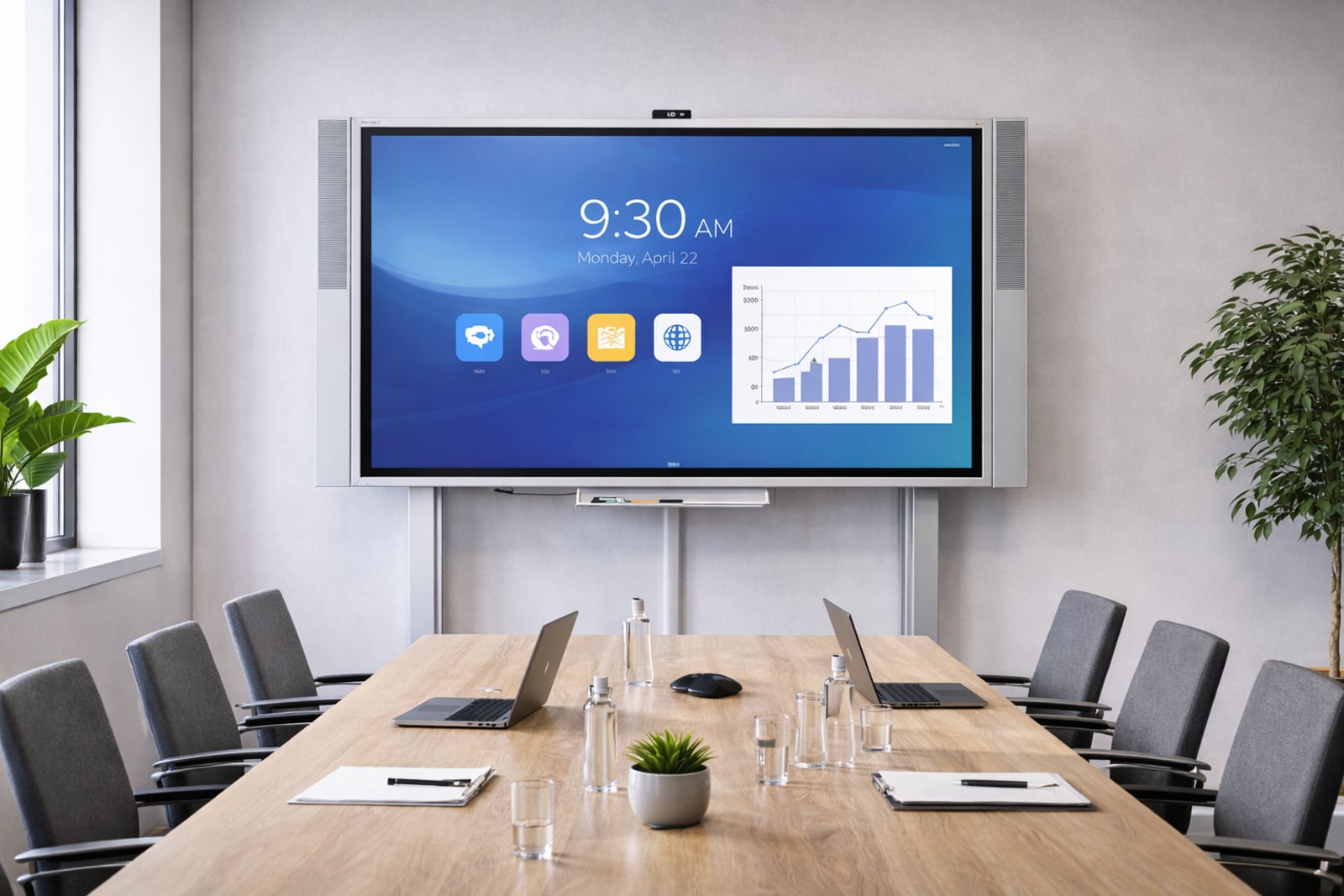
Microsoft Teams Rooms is made for exactly this scenario. The system brings together a dedicated room computer, a touch control panel, camera, microphone and display so that a meeting starts at the touch of a button and local participants and remote colleagues are included on equal terms. It sounds simple, but it rarely is in practice.
Many companies invest in high-quality devices yet underestimate the decisive step before and after: clean planning, professional installation and structured commissioning. This is exactly where we come in at FASTNET. We make sure that good components actually become a reliably working room, whether as a single room or across many locations.
Mistake 1: The wrong or non-certified hardware
Microsoft Teams Rooms is not a single device but an ecosystem of coordinated hardware and software. Microsoft certifies devices and bundles from certain manufacturers as 'Teams Certified Devices'. This certification ensures that the computer, control panel, camera and audio components work together reliably in the defined combination and receive official updates.
The most common mistake starts at the purchasing stage: individual components are put together based on price or habit, without checking whether the combination is certified and approved for the room size. The result is compatibility problems, unstable behaviour and functions that only partly work or not at all. Such problems can often only be resolved on site with considerable effort, and in the worst case cannot be resolved at all.
Our recommendation: rely consistently on certified devices and on bundles suited to the room. We select the hardware in close coordination with your system house or manufacturer so that room size, certification and budget fit together. This way you avoid an otherwise sound investment failing because of the wrong combination.
Mistake 2: Underestimating the network and bandwidth
A Teams Room is only as good as its connection. Video, audio and content sharing at the same time generate a constant data stream that has to be transported reliably through the network. If this aspect is only considered after installation, problems show up as a stuttering picture, choppy sound or dropped calls, seemingly for no reason and particularly frustrating for users.
These are the network pitfalls we encounter most often in practice:
- Insufficient bandwidth: The connection at the site is not designed for simultaneous video conferences, especially when several rooms are used at the same time.
- Unstable Wi-Fi: Wireless connections in meeting rooms are often inconsistent. A wired connection for the room system is almost always the better choice.
- Missing QoS: Without prioritised handling of real-time data (Quality of Service), the conference competes with all other traffic on the network.
- Misconfigured guest and corporate networks: If the room system sits in the wrong network segment or the required connections are blocked by the firewall, the service does not come together cleanly.
Involve those responsible for your network early, not just on commissioning day. We review the connection together with your IT team and test the rooms under realistic conditions, that is with real calls and content sharing rather than just a brief functional check. This way bottlenecks become apparent before go-live and not in the first important meeting.
Mistake 3: Poor audio and microphone planning
Participants will forgive a poor picture more readily than poor sound. Yet audio is often the most neglected aspect during planning. Reverberation, echo and background noise occur when microphones are positioned incorrectly, the room acoustics were not considered, or the components do not match the room size. Remote participants then only hear half of what is said, and the meeting becomes tiring for everyone.
It is important to think about audio from the very beginning rather than treating it as an afterthought. These best practices have proven their worth: in smaller rooms, a soundbar with integrated microphones delivers a clean result, while in larger rooms ceiling microphones ensure even speech pickup regardless of where people sit. Hard, bare rooms also benefit from simple acoustic measures such as sound-absorbing elements that noticeably reduce reverberation.
The decisive factor is to adapt the microphone setup to the specific room and to calibrate it after installation. We calibrate the audio components on site and check the result in a real call, so that your colleagues working from home are understood just as clearly as the participants sitting at the table.
Mistake 4: A lack of standardisation across multiple rooms
As long as it concerns a single room, a lack of standardisation barely stands out. But as soon as several meeting rooms are equipped, every improvised solution comes back to bite you. When each room has different hardware, a different control concept and different cabling, the support effort rises, the need for training grows, and user frustration increases because every room 'works differently'.
Our approach is consistent standardisation. Together with you, we define a small number of clearly distinct room types, for example a huddle room, a medium meeting room and a large conference room. Each room type receives a fixed hardware configuration, uniform cabling and the same control concept. Anyone who knows one room therefore knows all rooms of the same type.
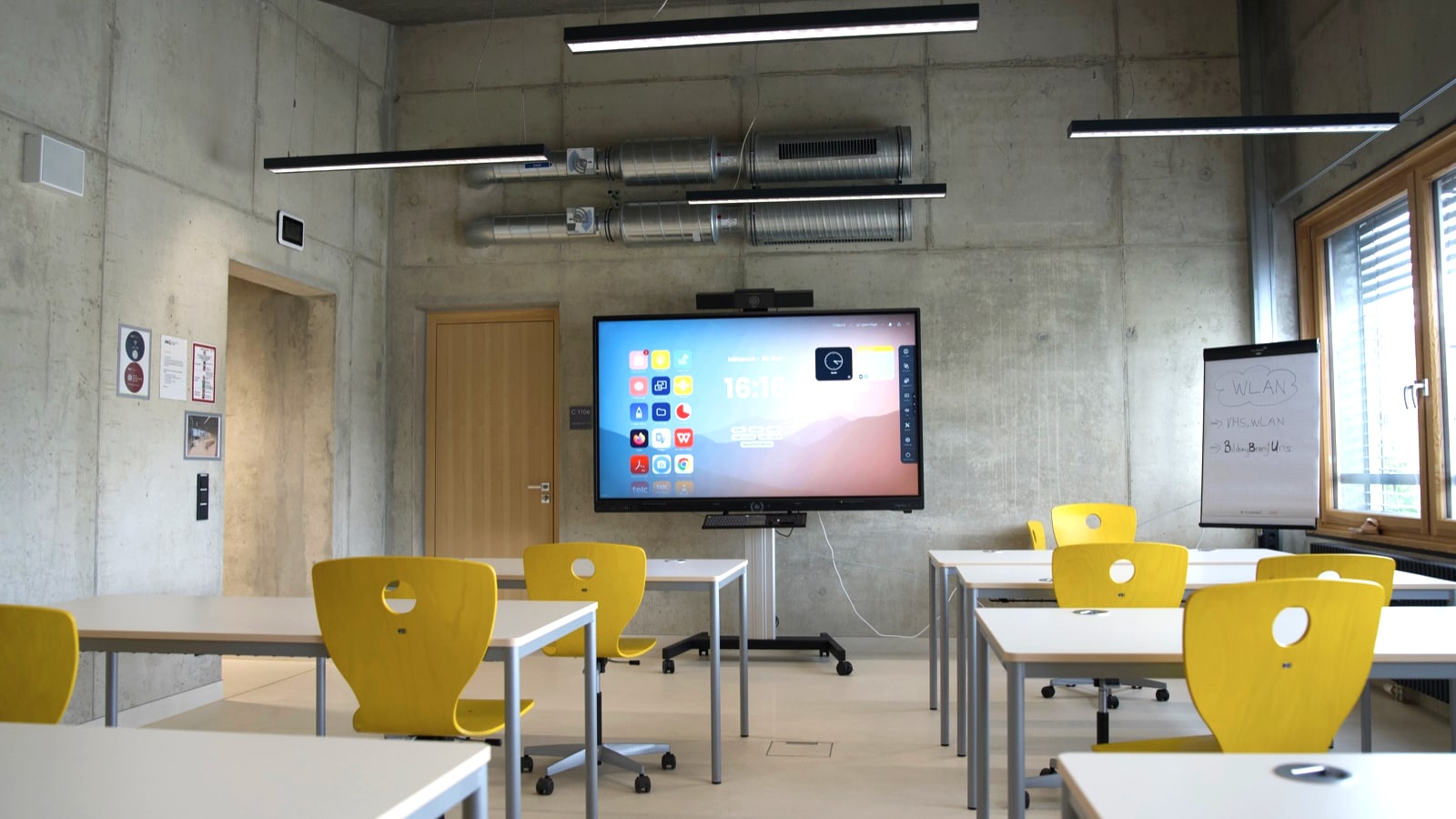
This not only noticeably reduces the training and support effort, it also makes procurement, maintenance and later expansions plannable. An anonymised project to standardise conference rooms with twelve touch displays showed that as soon as the rooms are built to the same pattern, queries and fault reports drop significantly, because employees and IT can rely on a single, familiar setup.
Mistake 5: Untidy cabling and mounting solutions
A conference room can be technically perfectly equipped and still look unprofessional if the installation is not right. Loose cables on the table, makeshift fixings on the wall, missing cable trunking and trip hazards on the floor are not just a visual problem. They are a genuine risk, because loose connections come apart, unsecured cables get damaged and poorly mounted displays can become a hazard.
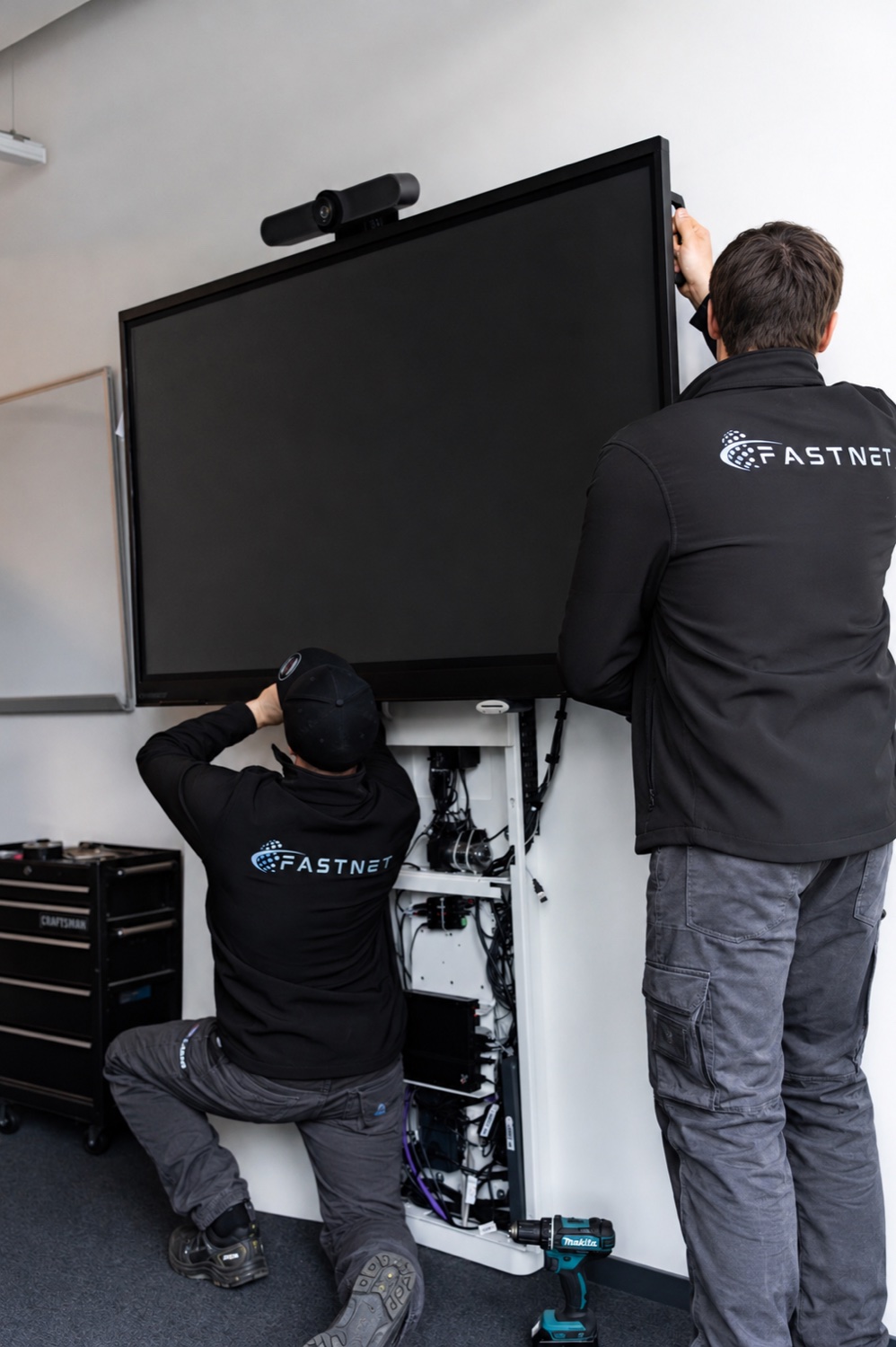
Clean installation is one of our core strengths. We route cables out of sight in trunking, through wall and ceiling or via professional table connection panels, mount displays and cameras properly on the wall or ceiling, and consistently avoid trip hazards and loose runs. The result is a room that not only works but also looks tidy and presentable.
Every installation concludes with a documented handover including photos and a handover protocol. This way you and your IT team know exactly what was installed where. You will find an overview of our mounting and installation services under our services.
Mistake 6: No well-thought-out control concept for users
The technology can be installed flawlessly and still go unused if no one knows how it works. This happens more often than you might think: employees do not know how to start a meeting, how to connect and share a laptop via HDMI, or how to start a spontaneous ad-hoc meeting. In case of doubt, people fall back on the laptop with headphones, and the investment in the room goes unused.
The solution is a deliberately simple, uniform control concept plus a brief induction at go-live. A few clearly labelled operating steps on the touch panel cover the most important scenarios. Compact onboarding guides or pictograms directly in the room can complement this by explaining the most important actions at a glance.
We take care of inducting your users right at commissioning. This way employees get to know how to operate the system on the real device, rather than having to work it out for themselves later. It is the fastest way to ensure a new room is accepted and used from day one.
Mistake 7: Neglected maintenance and updates
A Teams Room is not a device that is set up once and then left to its own devices. The Microsoft Teams Rooms application runs on a Windows base and both require regular updates. If the software remains outdated for an extended period, error messages appear, individual functions stop working reliably, and in the worst case the room is not ready for use in the middle of an important appointment.
Often there is simply no clear responsibility. No one feels responsible for the updates, so nothing happens until a problem occurs. Define a maintenance and update concept with fixed responsibilities from the very beginning: who regularly checks the update status, who responds to faults, and at what intervals are checks carried out? Anyone running several rooms or locations should set up this concept centrally so that no room is forgotten.
How FASTNET implements Teams Rooms in practice
To turn good components into a reliable room, we work according to a clear, repeatable process that remains plannable even across many locations:
- Site visit and needs assessment: We record room sizes, usage scenarios and structural conditions on site and define the appropriate room types together with you.
- Selection of certified hardware: We select the right 'Teams Certified Devices' in coordination with your system house or the manufacturer, tailored to room size and budget.
- Installation, cable management and commissioning: We install displays, cameras and audio components professionally, route the cables cleanly and bring the rooms into operation.
- Testing and induction: We test every room under real conditions, calibrate the audio and induct your users directly on the device.
- Documentation and handover: You receive documentation with photos and a handover protocol that confirms the proper completion of each room.
For system houses and AV integrators, we also work on a white-label basis: we act as an extended workbench, take care of nationwide installation and commissioning, and you remain the point of contact for your customer. You can find out more in our section for system houses.
Example project: standardising meeting rooms
In an anonymised project, we brought twelve meeting rooms for a mid-sized company up to a uniform standard within around three weeks. Installation, calibration of the audio and video technology and the induction of users all came from a single source, coordinated through a dedicated project contact.
Three things that are typical of our way of working were decisive for success: we take responsibility for the outcome of a fully usable room rather than just supplying individual devices, we keep to agreed deadlines, and we deploy our technicians nationwide, so that distributed locations are also equipped to the same standard.
Checklist: is your Microsoft Teams Rooms project ready for rollout?
Use this checklist before the rollout to verify that the most important prerequisites for a successful Teams Rooms project are in place:
- Room concepts and room types with clearly defined equipment established
- Certified hardware suited to the respective room size selected
- Network requirements (bandwidth, wired connection, QoS, firewall) reviewed with IT
- Audio and microphone setup planned to suit the room, with acoustics considered
- Mounting and cabling solutions, including cable routing and fixing, planned
- Uniform control concept defined and induction at go-live scheduled
- Maintenance and update process with clear responsibilities established
- Documentation and handover protocol planned for each room
The key points at a glance
Microsoft Teams Rooms rarely fails because of the software, but because of planning, hardware choice and installation. Rely on certified devices, involve the network early, plan audio and the control concept from the start, standardise across multiple rooms and set out maintenance and updates in binding terms. At FASTNET, we deliver conference rooms nationwide, documented and on schedule, whether as a single room or on a white-label basis for system houses.
Frequently asked questions about Microsoft Teams Rooms in mid-sized companies
About the author

Eliah Staimer
Head of Project Management
FASTNET GmbH